WhatsApp Business Platform Pricing in 2026: How Per-Message Pricing Works
How Meta charges for the WhatsApp Business Platform in 2026: per-message pricing, message categories, the 1,000 free service messages, the October 2026 changes and how to estimate your costs.
On this page
"How much does WhatsApp cost for business?" has a different answer for the free WhatsApp Business app (nothing) and the WhatsApp Business Platform — the API used by team inboxes and chatbots. This guide explains the Platform's pricing model as Meta describes it in October 2026, so you can estimate costs before you start.
Important: We don't list prices here. Meta's rates differ by country and change at the start of each quarter. Use this guide to understand how you're charged, then check Meta's current rate card for the numbers.
Per-message pricing, not per conversation
Since 1 July 2025, Meta charges the WhatsApp Business Platform per delivered message. The older conversation-based model is deprecated. Two principles:
- You pay only when a message is delivered.
- Customers never pay to message your business.
What decides the price of a message
- The message category. Templates are marketing, utility or authentication. Replies you send inside the 24-hour customer service window without a template are service messages.
- The recipient's country. Rates depend on the country calling code of the WhatsApp number you message. Meta publishes rates for dozens of individual countries and groups the rest into regional rate areas.
What's free — and what changed on 1 October 2026
According to Meta's pricing page:
| Message type | Before 1 Oct 2026 | From 1 Oct 2026 |
|---|---|---|
| Service messages (free-form replies inside the 24-hour window) | Free | 1,000 free per business phone number per month, then charged |
| Utility templates sent inside an open customer service window | Free (since 1 July 2025) | Charged |
| Marketing, utility (outside the window) and authentication templates | Charged per message | Charged per message |
| Messages in a free entry point window (customer came from a Click-to-WhatsApp ad) | Free | Free — the window can stay open up to 7 days |
The 1,000 free service messages are per phone number, per month, and unused messages don't roll over. Meta also lists a temporary exception for eligible governments and non-profits.
How to estimate your monthly cost
- Count your templates by category. For example: 600 order confirmations (utility), 400 delivery updates (utility), 1,000 offers (marketing).
- Split by country if you message customers abroad — each country has its own rates.
- Estimate service replies. If one number sends more than 1,000 free-form replies a month, the extra replies are charged.
- Multiply by the current rates on Meta's rate card for each category and country.
- Add your software subscription. Tools built on the API (inboxes, CRMs, chatbots) charge separately from Meta.
How to keep costs under control
- Answer quickly. A prompt reply inside the window is a service message; the same message tomorrow may need a template.
- Use the right template category. Don't put offers into order updates — Meta moves those templates to marketing anyway.
- Send marketing only to people who opted in, and not too often. Unwanted messages also hurt your template quality.
- Use Click-to-WhatsApp ads deliberately. Conversations that start from them get a free entry point window of up to 7 days.
Where Quikochat fits
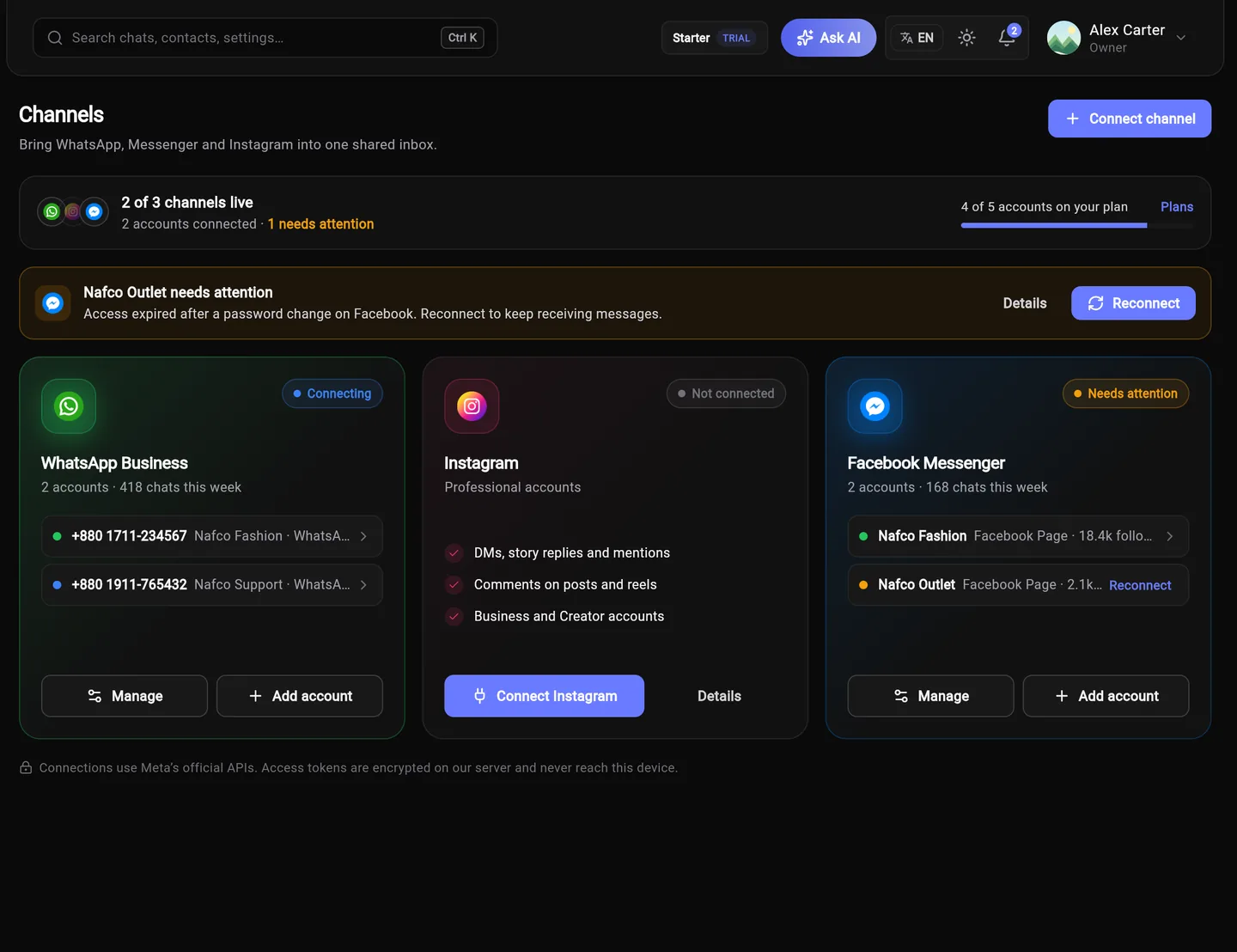
Quikochat is software built on the WhatsApp Business Platform. Meta's message charges are separate from Quikochat's plans — see our pricing page. In the shared inbox, your team sees when a chat's 24-hour window is open, so they can reply while it's free to do so and use templates only when needed.
Note: Based on Meta's pricing documentation as of October 2026. Meta updates pricing only on the first day of a quarter — check the linked page before you budget.
Official sources
- Pricing on the WhatsApp Business Platform (Meta for Developers) (opens in a new tab)
- Template categorization (Meta for Developers) (opens in a new tab)
Checked against these pages on 21 October 2026. Quikochat is not affiliated with Meta; Meta’s documentation is the authority on its rules.
Quikochat
Every customer conversation. One powerful inbox.
WhatsApp, Messenger, Instagram and comments in one shared inbox — with automations and an AI ChatBot that understands Bangla and Banglish.
90-Day Free Trial · ৳200 AI Credits Every Month
Keep reading
WhatsApp
How to Connect WhatsApp to a Shared Team Inbox (Step by Step)
A step-by-step guide to connecting a WhatsApp number to a shared team inbox through Meta's Embedded Signup: what to prepare, each step, what happens after, and fixes for common problems.
4 min read
WhatsApp
WhatsApp Business App vs WhatsApp Business Platform (API): Which One Do You Need?
The free WhatsApp Business app and the WhatsApp Business Platform (Cloud API) solve different problems. Compare team access, automation, templates and cost — and know when to switch.
5 min read
WhatsApp
WhatsApp Message Templates: Categories, Approval and How to Avoid Rejections
A practical guide to WhatsApp message templates: marketing vs utility vs authentication, naming and variables, review times, quality ratings, re-categorisation and examples you can adapt.
4 min read
